
Smart homes are becoming more common. Many people use smart devices to make life easier. But how do you use these devices every day? The answer is simple: create smart home routines. These routines help your devices work together. They can do many tasks automatically. This article will show you how to create smart home routines for daily tasks.
What Is a Smart Home Routine?
A smart home routine is a set of actions your devices do automatically. For example, turning on the lights when you wake up. Or locking the door at night. You can control many devices with one routine. It saves time and makes your home safer and more comfortable.
Why Should You Use Smart Home Routines?
- Saves time. You do not need to control each device one by one.
- Makes life easier. Your home does things for you without asking.
- Increases safety. You can lock doors and turn off devices automatically.
- Improves comfort. Lights, heating, or music can start when you want.
Step 1: Choose Your Smart Devices
First, you need smart devices. These devices connect to the internet and to each other. Examples include:
- Smart lights
- Smart plugs
- Smart thermostats
- Smart locks
- Smart speakers
Make sure your devices work with the same app or system. This makes routines easier to create.
Step 2: Decide Which Tasks You Want to Automate
Think about your daily tasks. Which tasks take time or effort? Which tasks do you repeat every day? Here are some ideas:
- Turning on lights in the morning
- Starting a coffee maker
- Adjusting the thermostat before bed
- Locking doors when you leave
- Turning off all lights when you go out
Pick tasks that will make your day easier.
Step 3: Use Your Smart Home App
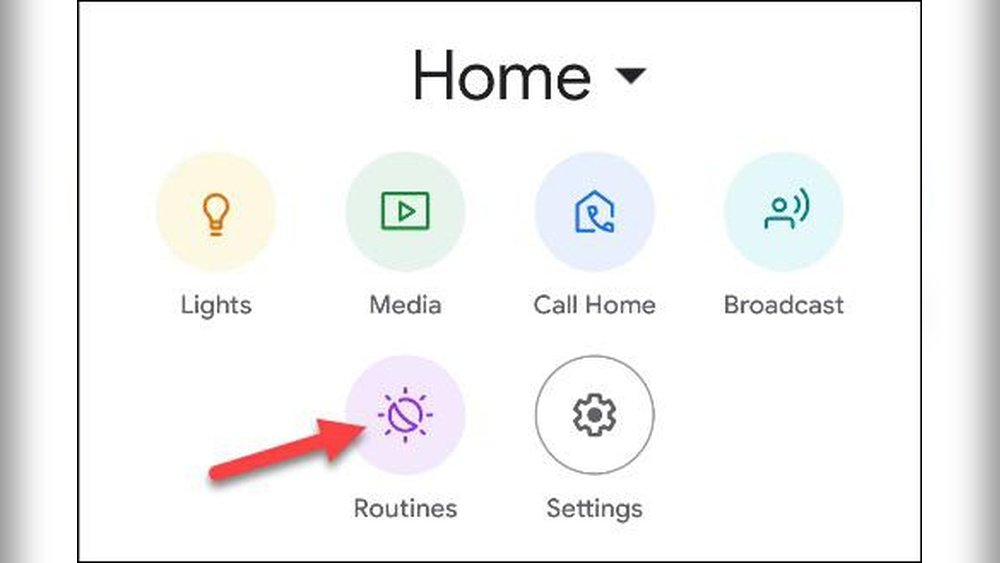
Most smart devices have an app. This app lets you control your devices and set routines. Open the app and look for the routine or automation section. This is where you create your routines.
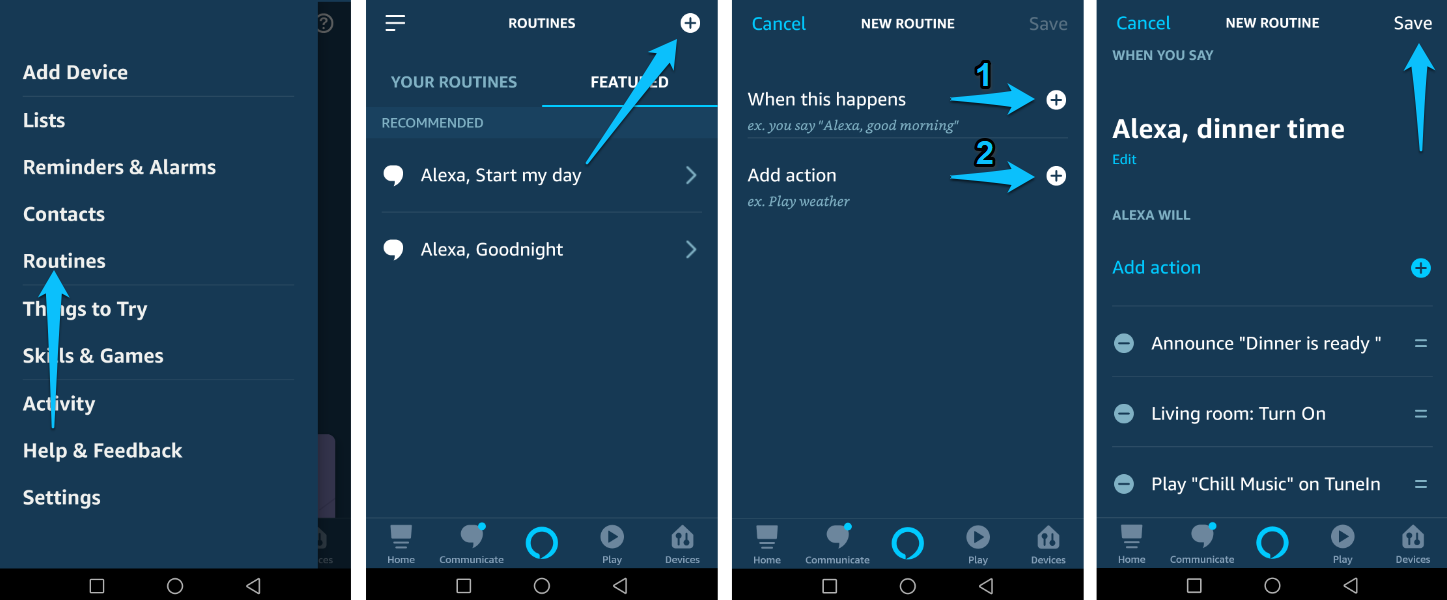
Step 4: Create a New Routine
Click “Add Routine” or “Create Automation.” Now, you will choose a trigger. A trigger is what starts the routine. It can be a time, an action, or a condition.
Examples of triggers:
- Time: 7:00 AM every day
- Action: When you lock the front door
- Condition: When the sun sets
Step 5: Add Actions to Your Routine
Next, add the actions your devices should do. You can add one or many actions. For example:
- Turn on bedroom lights
- Set thermostat to 72°F
- Play your favorite music
The app will guide you to select devices and actions.
Credit: www.1home.io

Credit: dribbble.com
Step 6: Test Your Routine
After creating the routine, test it. Make sure the devices do what you want. If something is wrong, edit the routine. Change the trigger or action until it works well.
Examples of Smart Home Routines for Daily Tasks
Morning Routine
Wake up with light and warmth. Set a routine to:
- Turn on bedroom lights at 7:00 AM
- Start the coffee maker
- Set thermostat to a comfortable temperature
This makes your morning easy and pleasant.
Leaving Home Routine
When you leave home, use this routine to:
- Turn off all lights
- Lock the front door
- Set thermostat to saving mode
You save energy and keep your home safe.
Evening Routine
Prepare your home for rest by:
- Dim or turn off lights at 9:00 PM
- Set thermostat lower for sleep
- Lock doors automatically
This helps you relax and sleep better.
Tips for Creating Good Smart Home Routines
- Start simple. Begin with one or two actions per routine.
- Use clear names. Name routines so you remember their purpose.
- Check device compatibility. Some devices may not work with all systems.
- Adjust routines over time. Change routines as your needs change.
- Use voice commands. Many systems work with voice assistants.
Common Mistakes to Avoid
- Making routines too complex at first.
- Forgetting to test routines before use.
- Not updating routines when devices change.
- Ignoring security settings in your smart home app.
How to Keep Your Smart Home Routines Safe
Security matters. Make sure your devices have strong passwords. Use two-step verification if possible. Keep your app updated. Avoid sharing your smart home access with many people.
Frequently Asked Questions
What Are Smart Home Routines And How Do They Work?
Smart home routines automate daily tasks by connecting devices. They work using triggers like time or sensor activity.
Which Devices Can Be Included In Smart Home Routines?
Common devices include lights, thermostats, cameras, and smart plugs. Many brands support routines via apps.
How Do I Start Creating A Smart Home Routine?
Begin by choosing a trigger, such as a time or event. Then select actions like turning on lights or adjusting temperature.
Can Smart Home Routines Save Energy And Money?
Yes, routines can reduce energy use by managing devices efficiently. For example, lights turn off when no one is home.
Conclusion
Creating smart home routines is easy. It helps you save time and enjoy your home more. Start with simple routines and add more later. Use your smart home app to set triggers and actions. Test your routines well. Adjust them when needed. With a little effort, your home will work for you every day.