
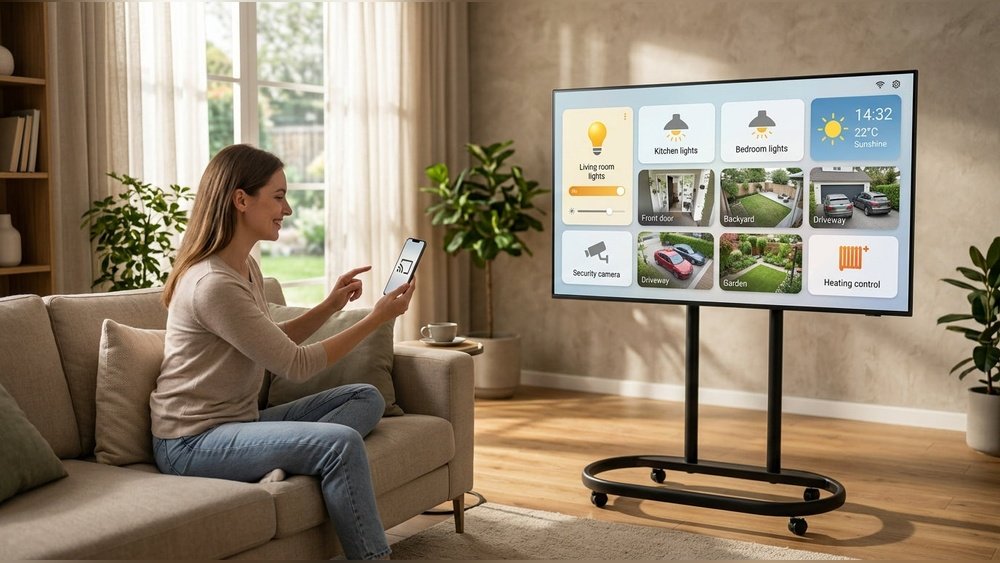
Smart homes are becoming common in many households. They make life easier by letting you control devices with your voice or phone. But sometimes, these devices can be slow to respond. This delay is called latency. In this article, we will explain what smart home latency means. You will learn why it happens and how it affects your devices.
What Is Latency in Smart Homes?
Latency is the time it takes for a smart home device to respond. For example, when you say, “Turn on the light,” latency is the wait before the light turns on. A small delay can feel slow. No one likes to wait, especially for simple tasks.
Latency is measured in milliseconds (ms). One millisecond is one-thousandth of a second. The lower the latency, the faster the device reacts.

Credit: datawiresolutions.com
Why Does Latency Happen?
Latency happens because of many reasons. Let’s look at the main ones:
- Network Speed: Your internet or Wi-Fi speed affects latency. Slow internet means slower responses.
- Device Processing: Some devices take longer to think and act.
- Distance: The distance between your device and the smart home hub matters. More distance can mean more delay.
- Traffic: If many devices use the network at once, this can slow things down.
- Cloud Services: Some smart devices send commands to the cloud. This can add extra time.

Credit: www.layer23-switch.com
How Does Latency Affect Your Smart Home?
Latency can make your smart home feel slow or unresponsive. This can be annoying. Here are some common effects:
- Lights turning on or off late
- Delays when you ask voice assistants for help
- Smart locks opening slowly
- Thermostats taking time to change temperature
Sometimes, latency can cause errors. Your device might not do what you asked. This can make the smart home less useful.
Types of Latency in Smart Homes
There are different kinds of latency. Knowing them helps you understand the problem better.
| Type of Latency | What It Means | Example |
|---|---|---|
| Network Latency | Delay caused by internet or Wi-Fi | Slow response from voice assistant |
| Processing Latency | Time device takes to process commands | Smart bulb taking time to switch on |
| Cloud Latency | Delay from sending data to the cloud and back | Smart camera video delay |
| Transmission Latency | Time for data to travel between devices | Smart lock response delay |
How to Reduce Latency in Your Smart Home
You want your smart home to work fast. Here are some tips to lower latency:
- Use a Strong Wi-Fi Signal: Place your router near smart devices.
- Update Your Devices: Keep software up to date for better performance.
- Limit Network Traffic: Reduce the number of devices using the network at once.
- Choose Devices with Local Control: Devices that work without the cloud are faster.
- Use Wired Connections When Possible: Ethernet cables reduce latency better than Wi-Fi.
Why Some Latency Can’t Be Avoided
Not all latency can be fixed. Some delays come from the way smart devices work. For example:
- Cloud services need time to process data.
- Devices need time to understand and act on commands.
- Distance between devices and hubs will always add some delay.
Still, keeping latency low improves your smart home experience.
Examples of Latency in Everyday Smart Home Use
Here are some real-life examples you might see:
- You say, “Play music,” but it starts after 3 seconds.
- Smart doorbell video shows a delay of a few seconds.
- Your smart thermostat takes a minute to change the temperature.
- Lights turn on late when you use a phone app.
These small delays add up and can frustrate users.
How to Test Your Smart Home Latency
You can check latency yourself. Try these simple steps:
- Give a command to a smart device.
- Use a stopwatch to measure the delay.
- Repeat with different devices or commands.
- Note which devices are slower.
This test helps find problem areas in your smart home.
Final Thoughts on Smart Home Latency
Latency is a common issue in smart homes. It means waiting for devices to respond. Many things cause latency, like slow internet or device limits. You can reduce latency by improving your network and choosing the right devices. Some delay is normal, but too much can be frustrating.
Understanding latency helps you make better choices. It also helps you enjoy your smart home more.
Frequently Asked Questions
What Causes Latency In Smart Home Devices?
Latency is mainly caused by slow internet or weak Wi-Fi signals. Device processing speed also affects response time.
How Does Latency Affect Smart Home Performance?
High latency delays commands and device responses, making smart homes less efficient. It can cause frustration during use.
Can Smart Home Latency Be Reduced?
Yes, improving Wi-Fi speed and using wired connections can lower latency. Updating device firmware also helps.
Does Distance Impact Smart Home Latency?
Yes, the farther a device is from the router, the higher the latency. Walls and obstacles also increase delay.