
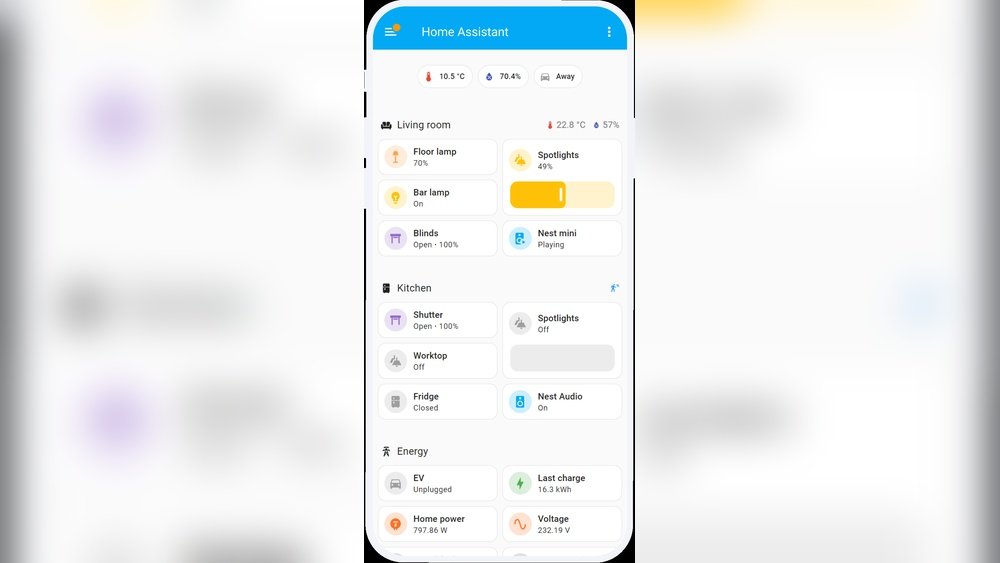
Smart homes are getting more popular every day. Many people want to control their lights, doors, and heating with their phones. But how do these systems work? One key tool is called Home Assistant software. This software helps connect many smart devices in your home. It makes your home easier to control. Let’s explore how Home Assistant works for smart homes.

Credit: www.raspberrypi.com
What is Home Assistant Software?
Home Assistant is a type of software. It runs on small computers or servers in your home. It helps manage all smart devices. These devices can be lights, cameras, sensors, or thermostats. The software lets you control these devices from one place. You do not need many apps for each device.
Many people use Home Assistant because it is free and open-source. This means anyone can use it without paying. Also, many people help make it better. It supports many brands and devices. That way, your smart home can work well together.
How Does Home Assistant Connect Devices?
Home Assistant uses different ways to connect to smart devices. It can use Wi-Fi, Zigbee, Z-Wave, or Bluetooth. These are types of wireless networks. Each device uses one or more of these networks.
- Wi-Fi: Common in many homes. Many smart devices use Wi-Fi to connect.
- Zigbee: A low-power wireless network. Good for small devices like sensors.
- Z-Wave: Another wireless network. Works well for home automation.
- Bluetooth: Short-range wireless. Used for some smart devices.
Home Assistant talks to these devices through these networks. It uses “integrations” or “components.” These are like small programs inside Home Assistant. Each integration understands how to control a certain device. For example, one integration controls Philips Hue lights. Another controls Nest thermostats.
Central Control Hub
Think of Home Assistant as the brain of your smart home. It gathers information from all devices. Then, it lets you control them from one app or webpage. You can turn lights on or off. You can check if doors are locked. You can even see if a window is open.
This central control is very helpful. Instead of opening many apps, you open one. This saves time and makes your home easier to manage.
Automation with Home Assistant
One of the best parts of Home Assistant is automation. Automation means the software can do things for you. Without you pressing any buttons.
For example, you can tell Home Assistant:
- Turn on the lights at sunset.
- Turn off the heating when you leave home.
- Send a message if a door opens at night.
You create these rules using simple steps. Home Assistant watches your devices and time. When a rule matches, it acts automatically. This makes your home smarter and safer.
How to Use Home Assistant
Using Home Assistant is not very hard. But you need some basic tools:
- A computer or device to run the software. Many use a Raspberry Pi.
- Smart devices to connect, like smart bulbs or sensors.
- A network, usually Wi-Fi, to connect everything.
After installing Home Assistant, you add your smart devices. This is called “integration.” You tell Home Assistant about your devices. Then, you control them from the Home Assistant app or webpage.
Benefits of Home Assistant Software
| Benefit | Explanation |
|---|---|
| One Place to Control | Control all smart devices with one app or website. |
| Supports Many Devices | Works with many brands and types of smart devices. |
| Custom Automation | Create simple rules to automate your home tasks. |
| Privacy | Data stays mostly in your home, not online. |
| Free and Open Source | No cost to use. Community helps improve it. |
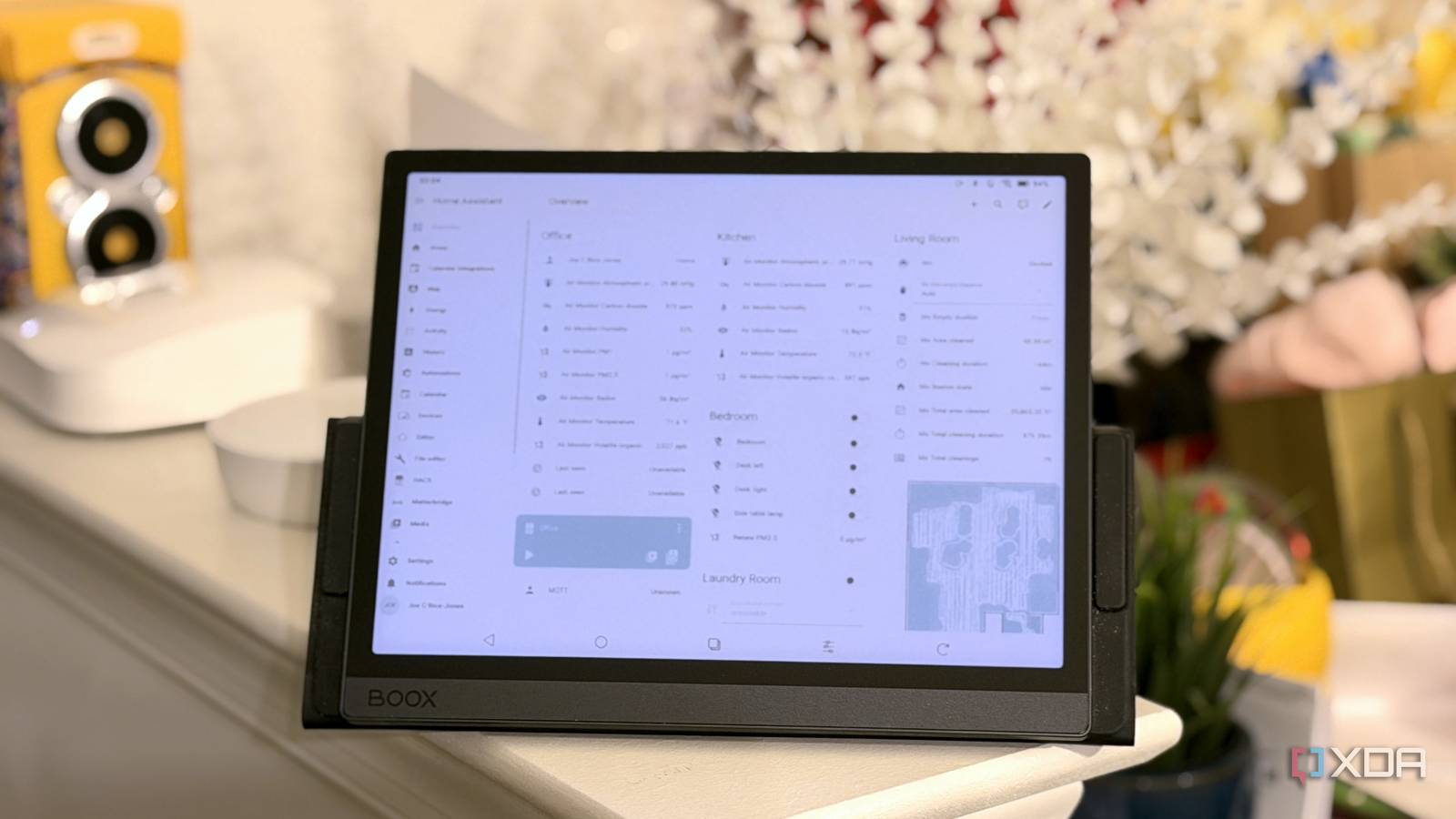
Credit: www.xda-developers.com
Security and Privacy
Home Assistant keeps your data safe. Most information stays inside your home network. This is better than sending data to big companies on the internet. You control what data you share. This helps protect your privacy.
Challenges to Know
Home Assistant is great, but it has some challenges:
- You need to set it up yourself. It may take some time.
- Some devices need special hardware like Zigbee or Z-Wave sticks.
- Sometimes updates can cause small problems.
But with some patience, you can learn how to use it well.
Final Thoughts
Home Assistant software helps you manage your smart home easily. It connects many devices in one system. You control everything from one app or website. You can create automations to make life simpler.
It supports many devices and keeps your privacy safe. While it needs some setup, it is worth the effort. If you want a smart home that works together, Home Assistant is a good choice.
With Home Assistant, your home can be smarter and more comfortable.
Frequently Asked Questions
What Is Home Assistant Software In Smart Homes?
Home Assistant is open-source software that controls smart home devices. It connects and automates lights, sensors, and other gadgets in one place.
How Does Home Assistant Connect Smart Devices?
It uses local networks and protocols like Wi-Fi, Zigbee, and Z-Wave. This allows devices to communicate without relying on the cloud.
Can Home Assistant Work Without Internet?
Yes, it mainly works locally on your home network. Internet is only needed for remote access or updates.
What Types Of Devices Work With Home Assistant?
It supports lights, cameras, thermostats, locks, sensors, and more. Compatibility covers many popular brands and custom devices.