
Smart homes are becoming common in many houses. Many people buy different smart devices from various brands. This can cause a problem. Devices from different brands may not work well together. But you can make them work together. This article will help you do that in easy steps.
Why Integrate Different Smart Home Brands?
Each smart home brand offers different features. You might like the lights from one brand. The security cameras from another. The smart speakers might be from a third brand. Using many brands can make your home smarter and better. But if they do not talk to each other, it is hard to use them. Integration helps all devices work as one system.
Check What Devices You Have
First, make a list of all your smart devices. Write the brand and model name. Check if they use the same app or system. For example, some devices work with Apple HomeKit. Others work with Google Home or Amazon Alexa. Knowing this helps you plan how to connect them.
Choose a Central Hub or Controller
A hub is a central device that controls your smart home gadgets. Many brands have their own hubs. But these may not work with all your devices. You can choose a universal hub that supports many brands. Examples are Samsung SmartThings or Hubitat.
Using a hub helps you control all devices in one place. You can turn off lights, lock doors, or see cameras from one app.
Benefits Of Using A Hub:
- Controls many devices from one app
- Automates tasks easily
- Works with different brands
Use Voice Assistants to Connect Devices
Voice assistants like Amazon Alexa, Google Assistant, or Apple Siri can connect many smart devices. They work with many brands. You can say commands like “Turn on the living room light” or “Set thermostat to 72 degrees.” The assistant sends the command to the right device.
Most smart devices can be added to these voice assistants. This helps you manage devices without apps. It also makes your home easier to use.
Credit: www.ebay.com
Check Device Compatibility
Not all devices work with every hub or voice assistant. Check if your devices are compatible. Visit the official websites or manuals. You can also search online for compatibility lists.
For example, some smart bulbs work only with Zigbee or Z-Wave hubs. Others need Wi-Fi. Make sure your hub or controller supports the device’s technology.
Use Automation Apps and Services
Automation apps help connect devices from different brands. Examples are IFTTT (If This Then That) and Stringify. These apps let you create rules. For example, “If the front door opens, then turn on the hallway light.”
These rules help devices work together even if they are from different brands. You can create many smart home routines this way.
Steps To Use Ifttt:
- Create an account on IFTTT website or app
- Connect your smart devices accounts
- Choose or create applets (rules) for your devices
- Save and test your applets
Keep Software Updated
Smart devices often get updates. These updates fix bugs and add features. Sometimes, updates improve compatibility with other devices. Check your devices and apps for updates regularly. Updated software helps your smart home run smoothly.
Organize Your Network
Smart devices need good Wi-Fi or network connection. Use a strong Wi-Fi router. Place it where it can reach all devices. Sometimes, devices use different wireless types like Zigbee or Z-Wave. Make sure your hub supports these.
Consider naming your devices clearly. For example, “Living Room Light” or “Front Door Lock.” This helps you find and control devices easily.
Test Your Setup
After connecting devices, test if they work together. Try turning on lights using voice command. See if your security cameras show live video on your phone. Check if automations work as planned.
If something does not work, check connections, apps, or compatibility again. Sometimes, restarting devices or hubs helps.

Credit: homekitnews.com
Common Challenges and Tips
| Problem | Cause | Solution |
|---|---|---|
| Device not connecting | Wrong network or incompatible hub | Check device manual and network settings |
| Automation not working | Incorrect applet or rule | Review and edit automation rules |
| Voice commands not recognized | Device not linked to voice assistant | Link device account to voice assistant app |
| Devices slow to respond | Weak Wi-Fi or network interference | Improve Wi-Fi coverage or move devices |
Plan for the Future
Smart home technology changes fast. New devices and brands come out often. When buying new devices, check if they work with your current setup. Try to pick devices that support popular hubs or assistants. This helps keep your smart home connected and easy to use.
Summary
Integrating different smart home brands is possible. First, know your devices and what they use. Choose a central hub or voice assistant. Check compatibility before connecting. Use automation apps to link devices. Keep software updated and organize your network. Test your setup and fix problems if needed. Plan carefully for new devices. This way, your smart home devices work well together.
With these simple steps, you can enjoy a smart home that feels easy and helpful. No matter the brands, your devices can talk and work as one.
Frequently Asked Questions
How Do I Connect Different Smart Home Brands?
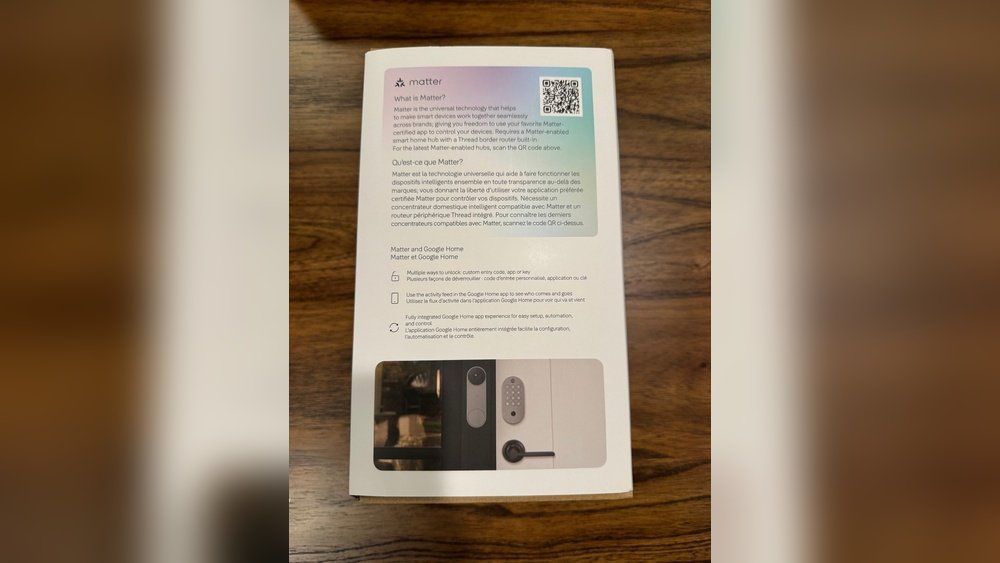
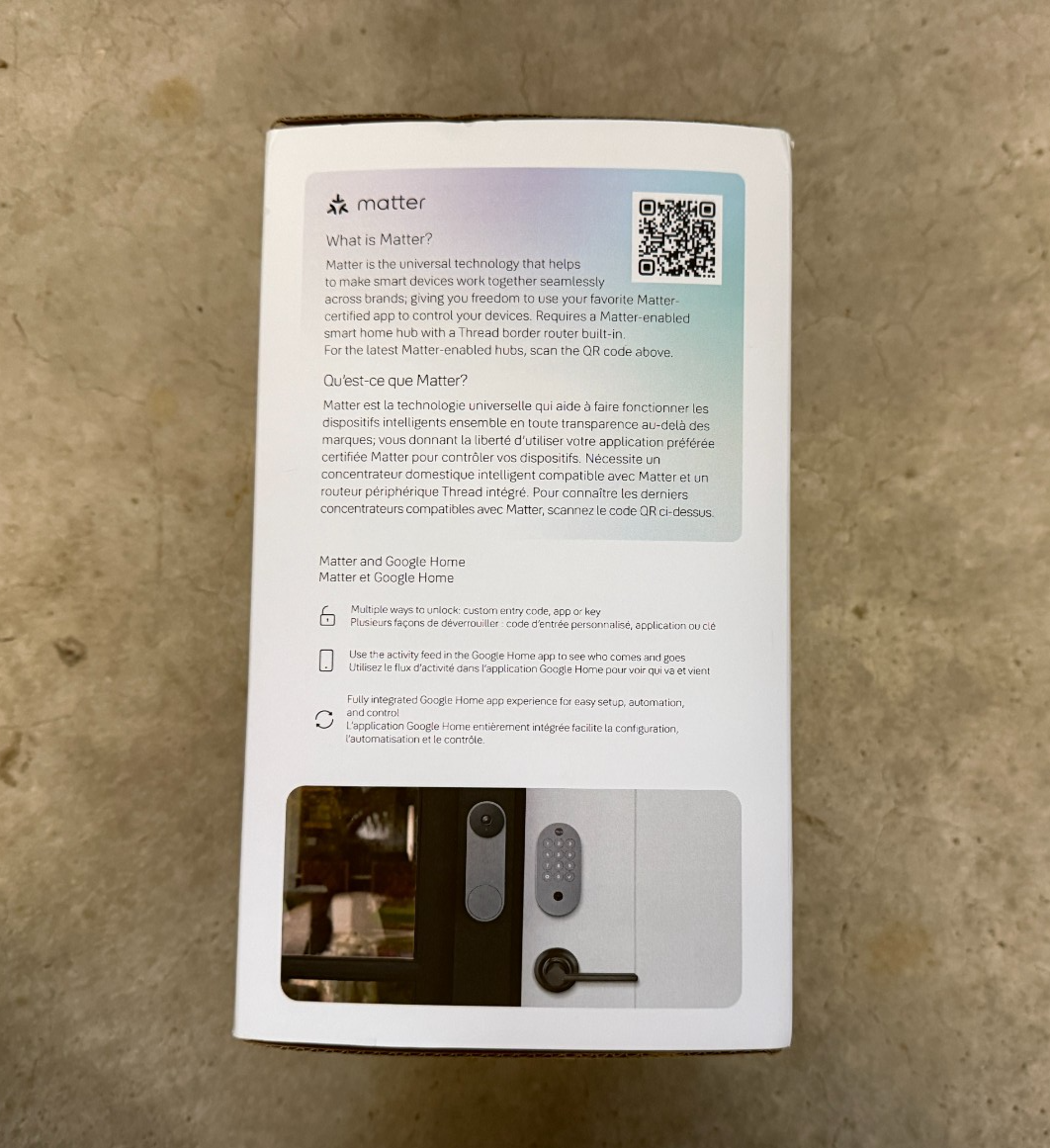
Use a common platform like Google Home or Amazon Alexa. These apps support many brands and link devices easily.
Can I Control Multiple Smart Devices From One App?
Yes, smart hubs or platforms let you manage various devices in one place. This simplifies daily use.
What Smart Home Hubs Work With Many Brands?
Popular hubs include Samsung SmartThings, Amazon Echo, and Google Nest Hub. They support many devices.
Are Smart Home Brands Compatible With Voice Assistants?
Most brands work with Alexa, Google Assistant, or Apple HomeKit. Voice control is common and useful.