
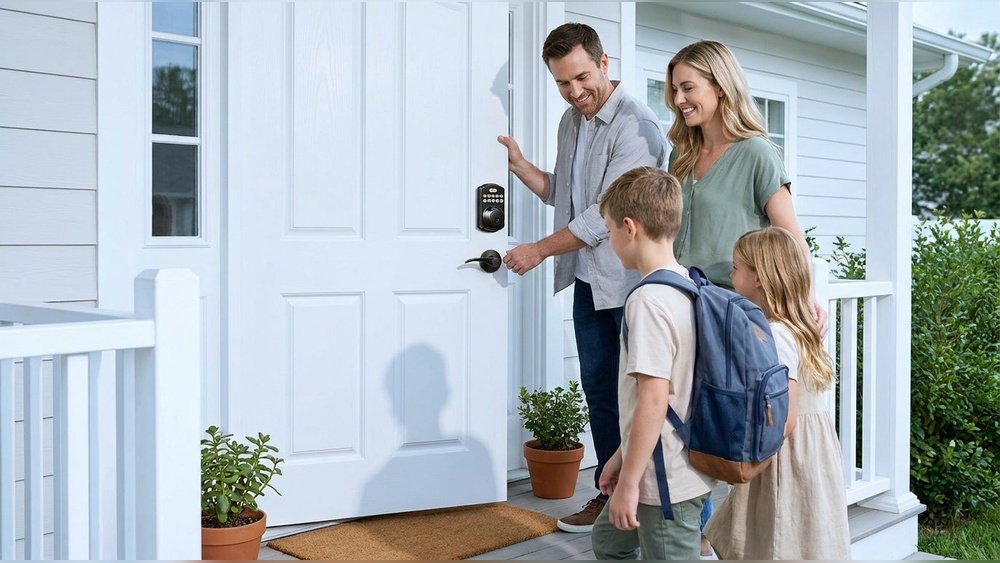
Keeping your home safe is very important. Choosing the right lock can help protect your family and belongings. Two popular choices for home doors are smart locks and deadbolts. But which one is better? This guide will help you understand the differences. You will learn the pros and cons of each lock type. Then, you can decide which suits your needs best.
What Is a Deadbolt?
A deadbolt is a traditional lock. It uses a metal bolt that slides into the door frame. This bolt is strong and hard to break.
Deadbolts need a key or thumb turn to open. They come in two main types:
- Single-cylinder deadbolt: Uses a key outside and a thumb turn inside.
- Double-cylinder deadbolt: Uses a key on both sides.
Most homes use single-cylinder deadbolts. They are simple and easy to use.
Benefits Of Deadbolts
- Strong protection: Deadbolts are hard to force open.
- Simple design: Easy to install and use.
- Affordable: Usually cost less than smart locks.
- No power needed: Works without batteries or electricity.
Drawbacks Of Deadbolts
- Key needed: You must carry keys all the time.
- Lost keys: Can cause trouble if keys are lost.
- No remote access: You cannot lock or unlock from far away.
Credit: www.vivint.com
What Is a Smart Lock?
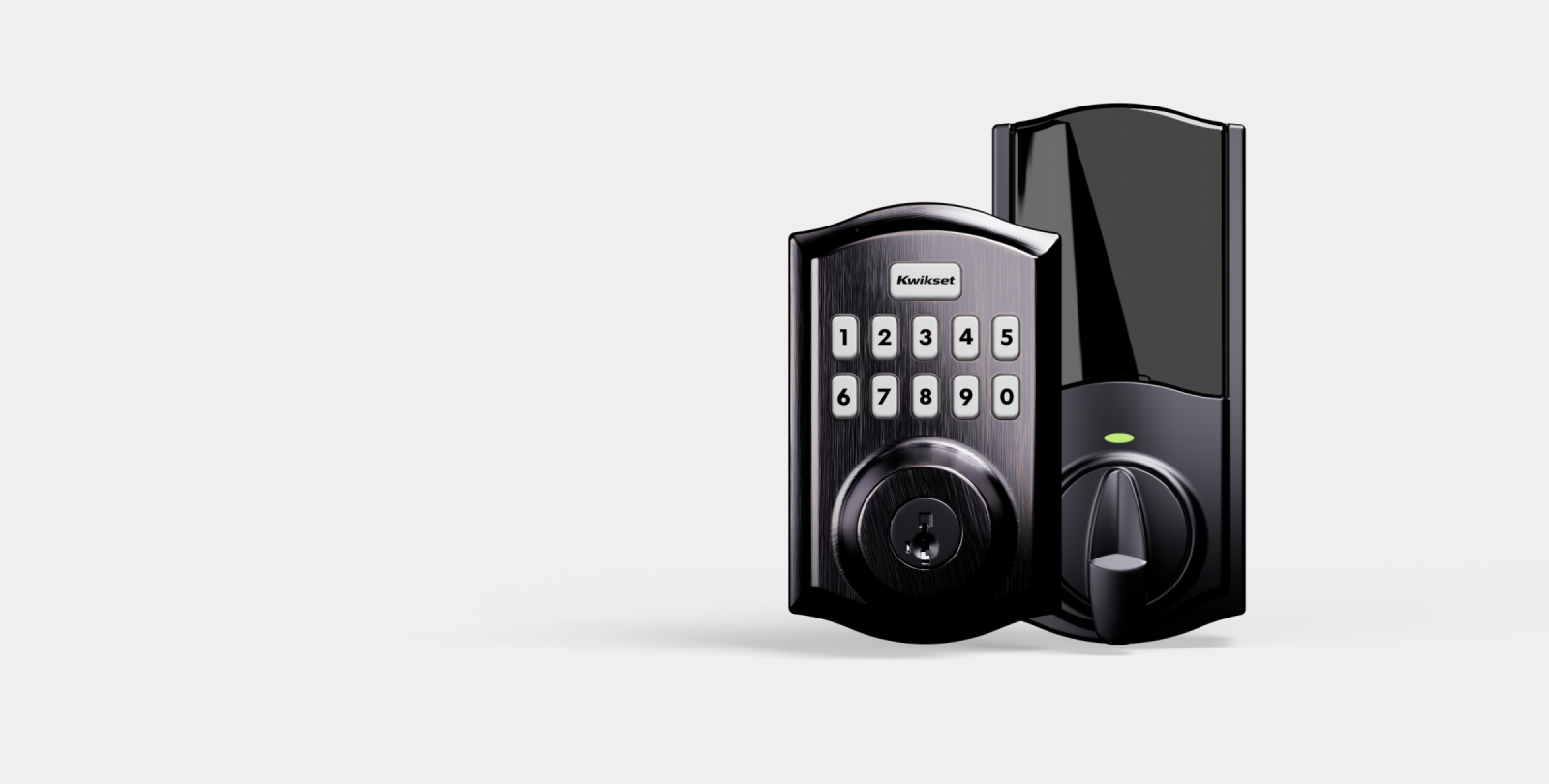
A smart lock is a modern lock with extra features. It uses technology to control access. You can open it with a smartphone, code, or fingerprint.
Smart locks often connect to your home Wi-Fi or Bluetooth. This lets you control your door remotely.
Benefits Of Smart Locks
- No keys needed: Use a code or phone app instead.
- Remote control: Lock or unlock your door from anywhere.
- Access sharing: Give temporary access to friends or workers.
- Alerts: Get notifications when someone uses the lock.
Drawbacks Of Smart Locks
- Requires power: Needs batteries or electricity to work.
- Can be hacked: Some models have security risks.
- More expensive: Usually cost more than deadbolts.
- Technical problems: May have software glitches or connection issues.
Comparing Smart Locks and Deadbolts
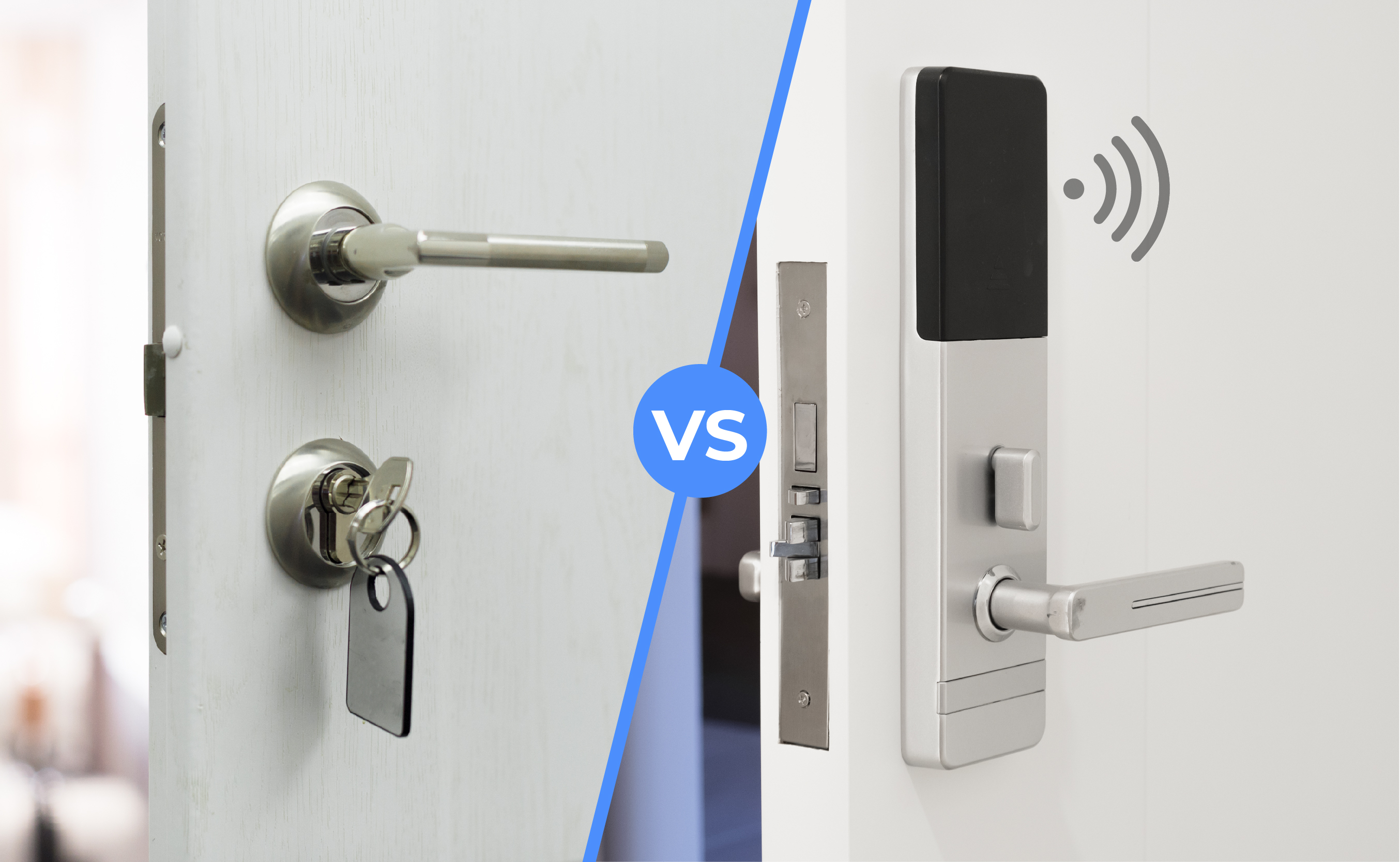
Let’s look at how these locks compare in key areas.
| Feature | Deadbolt | Smart Lock |
|---|---|---|
| Security Strength | Very strong, hard to break. | Strong, but depends on software security. |
| Ease of Use | Simple, just use a key. | Easy, use phone or code. |
| Cost | Low to moderate. | Moderate to high. |
| Power Need | No power needed. | Needs batteries or electricity. |
| Remote Access | No remote access. | Can lock/unlock from anywhere. |
| Installation | Easy, fits most doors. | May need more work and tech knowledge. |
| Risk of Loss | Lose keys, get locked out. | Phone or app problems can cause issues. |
Which One Is Better for Your Home?
Choosing the right lock depends on your needs. Here are some ideas.
Choose A Deadbolt If:
- You want a strong, simple lock.
- You do not want to worry about batteries.
- You prefer a lower-cost option.
- You want easy installation.
Choose A Smart Lock If:
- You want to control your lock remotely.
- You like keyless entry options.
- You want to give temporary access to others.
- You want alerts when someone enters your home.
Credit: reolink.com
Consider Your Lifestyle
Think about your daily routine. How often do you lose your keys? Do you want to check who enters your home? Do you live in a busy area? These questions help you decide.
If you have children or elderly family, smart locks offer convenience. You can unlock the door without being home. If you travel a lot, remote access helps you manage your home safety.
But if you want a lock that works always, with little fuss, a deadbolt is a solid choice. It does not fail when the power goes out or batteries die.
Security Tips for Both Locks
No lock is perfect. Here are some tips to improve your home safety.
- Use a high-quality lock from a trusted brand.
- Change codes on smart locks regularly.
- Keep spare keys in a safe place.
- Install a security camera or alarm system.
- Check your door frame and hinges for strength.
Final Thoughts
Both deadbolts and smart locks offer good security. Deadbolts are simple and reliable. Smart locks provide convenience and extra features.
Your choice depends on what matters most to you. Security? Convenience? Cost? Power needs? Think about your home and family. Then pick the lock that fits best.
Remember, no lock can stop every threat. Use good habits and other safety tools. That way, your home will be safer and you will feel more secure.
Frequently Asked Questions
What Is The Main Difference Between Smart Locks And Deadbolts?
Smart locks use electronic keys or codes, while deadbolts use physical keys. Smart locks offer remote control; deadbolts provide basic mechanical security.
Are Smart Locks More Secure Than Traditional Deadbolts?
Smart locks have advanced features but can be vulnerable to hacking. Deadbolts are simple and reliable against physical attacks. Security depends on model and installation.
Can Smart Locks Work Without Internet Access?
Many smart locks work offline using Bluetooth or keypad codes. Internet is only needed for remote access or app features. This adds flexibility.
How Easy Is It To Install A Smart Lock Compared To A Deadbolt?
Deadbolts are simpler to install with basic tools. Smart locks may require wiring or Wi-Fi setup. Some models are designed for DIY installation.