
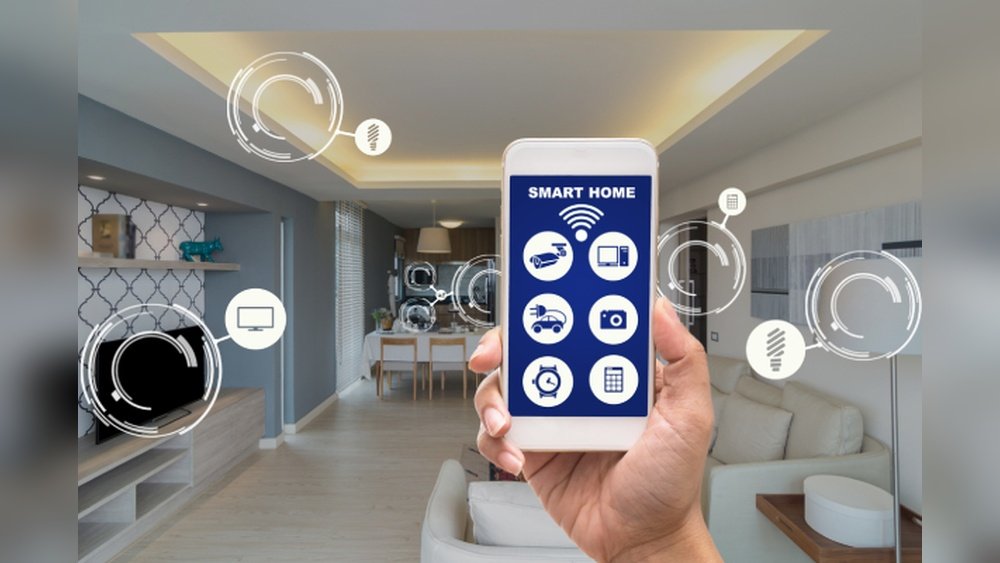
Smart homes are becoming popular worldwide. They make life easier and more comfortable. Two key features in smart homes are routines and automations. But what do these words mean? How do they help in a smart home? This article will explain everything in simple words.
Understanding Smart Homes
A smart home uses technology to control things like lights, doors, and heating. You can control these devices using your phone or voice. For example, you can turn off lights without getting up. Smart homes help save time and energy.
What are Routines in Smart Homes?
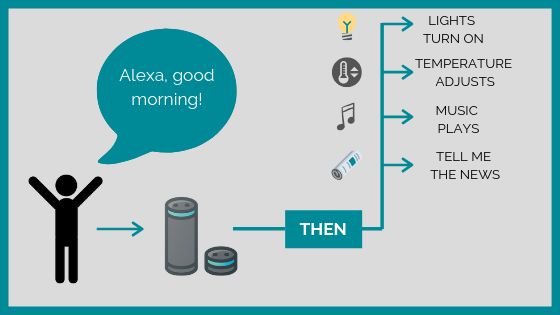
Routines are a set of actions done automatically at a certain time or by a command. Think of routines as a list of tasks your smart home does for you. You can create your own routines based on your daily life.
For example, you can make a “Good Morning” routine. When you say “Good Morning,” your smart home can turn on the lights, open the curtains, and play your favorite music. All these tasks happen with just one command.
Routines help you organize your day. They save you from doing small tasks again and again.
What are Automations in Smart Homes?
Automations are similar to routines but work a bit differently. Automations happen automatically when something changes in your home. They do not need you to say a command or press a button.
For example, if you have a smart thermostat, it can change the temperature when you leave home. Or, smart lights can turn on when you enter a room. These actions happen because the devices sense what is happening.
Automations make your home smart by reacting to your needs without you asking.
Difference Between Routines and Automations
| Feature | Routines | Automations |
|---|---|---|
| Trigger | Started by your command or scheduled time | Started by changes in environment or devices |
| Control | You control when it starts | Starts automatically without your control |
| Examples | Saying “Good Night” to turn off lights | Lights turn on when you enter a room |
How to Use Routines in Your Smart Home
Creating routines is easy. Most smart home apps have a section to make routines.
- Choose a trigger: This can be a voice command or a time.
- Add actions: Decide what devices should do after the trigger.
- Save the routine and test it.
Here are some common routines you can try:
- Wake Up Routine: Turn on lights and play music at 7 AM.
- Leaving Home Routine: Turn off lights and lock doors when you leave.
- Movie Time Routine: Dim the lights and turn on the TV.
Credit: www.1home.io
How to Use Automations in Your Smart Home
Automations need sensors or smart devices that can detect changes. Setting automations also uses apps.
- Pick a condition: For example, motion detected or temperature changes.
- Choose what happens after the condition is met.
- Save and let the automation run on its own.
Examples of automations include:
- Lights turn on when you enter a room.
- Heater turns off when room temperature is high.
- Garage door opens when your car arrives.
Benefits of Using Routines and Automations
Routines and automations make your home convenient. Here are some benefits:
- Save Time: Devices do tasks for you automatically.
- Energy Saving: Lights and appliances turn off when not needed.
- Comfort: Your home adjusts to your needs quickly.
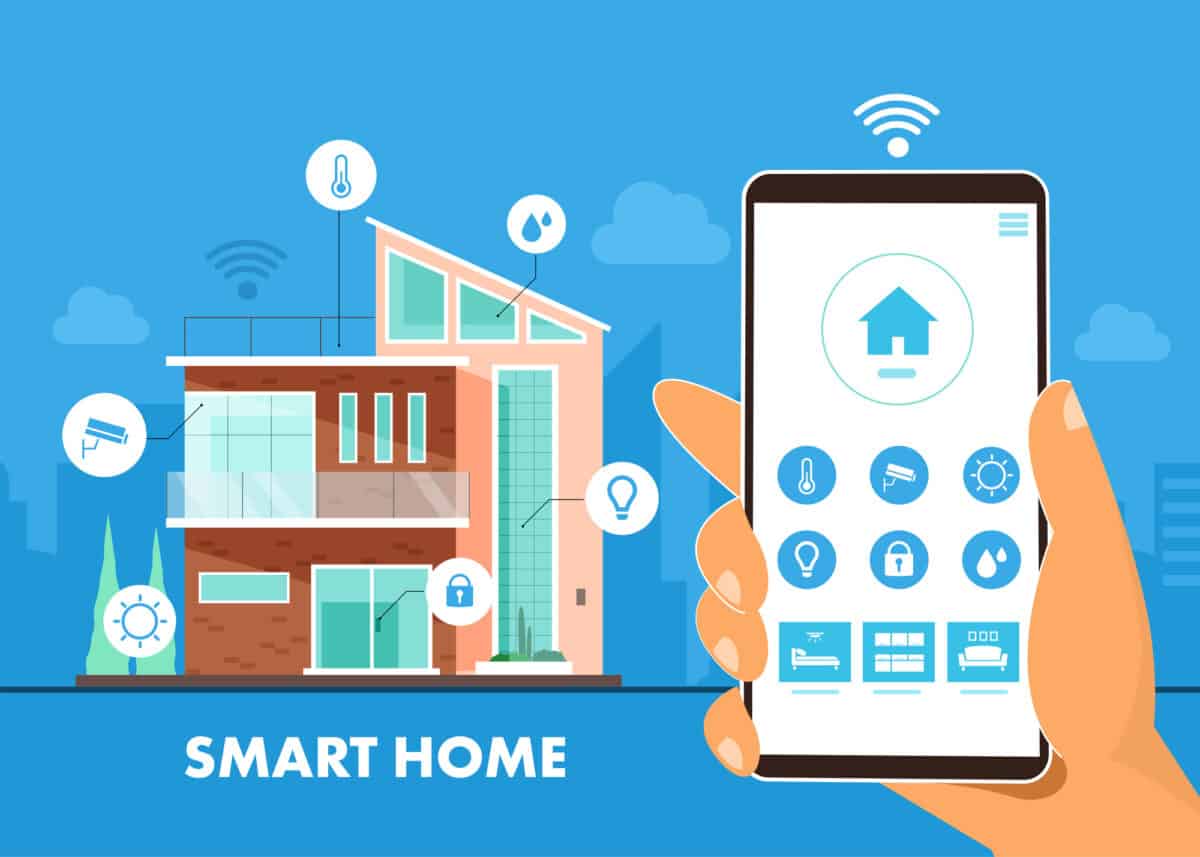
- Security: Automations can alert you or lock doors when needed.
Credit: seisecurity.com
Tips for Creating Good Routines and Automations
- Start simple. Add one or two actions at a time.
- Think about your daily habits and needs.
- Test routines before using them every day.
- Change routines if they do not work well for you.
- Use smart devices that work well together.
Common Smart Devices Used for Routines and Automations
| Device | Purpose | Example Use |
|---|---|---|
| Smart Lights | Control brightness and color | Turn on at sunset, off at bedtime |
| Smart Thermostat | Control home temperature | Lower heat when no one is home |
| Smart Locks | Control door locks remotely | Lock doors automatically at night |
| Motion Sensors | Detect movement | Turn on lights when entering a room |
| Smart Speakers | Voice control and music | Activate routines by voice command |
Challenges to Keep in Mind
Smart home routines and automations are helpful but can have challenges.
- Devices may not always connect well.
- Some automations might fail if sensors are blocked.
- Privacy concerns with smart devices listening or tracking.
- Need for internet to control devices remotely.
Always keep your devices updated and use strong passwords.
The Future of Routines and Automations
As technology grows, routines and automations will improve. They will become smarter and easier to use. Homes will learn from your behavior and adjust automatically. This will make homes more energy efficient and safer.
For now, start with simple routines and automations. Enjoy the comfort and ease they bring.
Frequently Asked Questions
What Are Routines In Smart Home Systems?
Routines are sets of actions that run automatically in smart homes. They help devices work together based on your schedule or triggers.
How Do Smart Home Automations Work?
Automations use triggers like time or motion to start tasks. They let devices respond without manual control.
Can Routines Save Energy In Smart Homes?
Yes, routines can turn off lights or adjust thermostats when not needed. This helps reduce energy use and bills.
Are Routines And Automations The Same In Smart Homes?
Routines are planned sequences of actions; automations are event-driven tasks. Both improve smart home convenience but work differently.
Conclusion
Routines and automations are important parts of smart homes. Routines start by your command or time. Automations start by changes in your home. Both make life easier and save energy. You can control lights, temperature, and security with them. Using smart devices and apps, anyone can create routines and automations. Start small, and your home will soon feel smarter.