
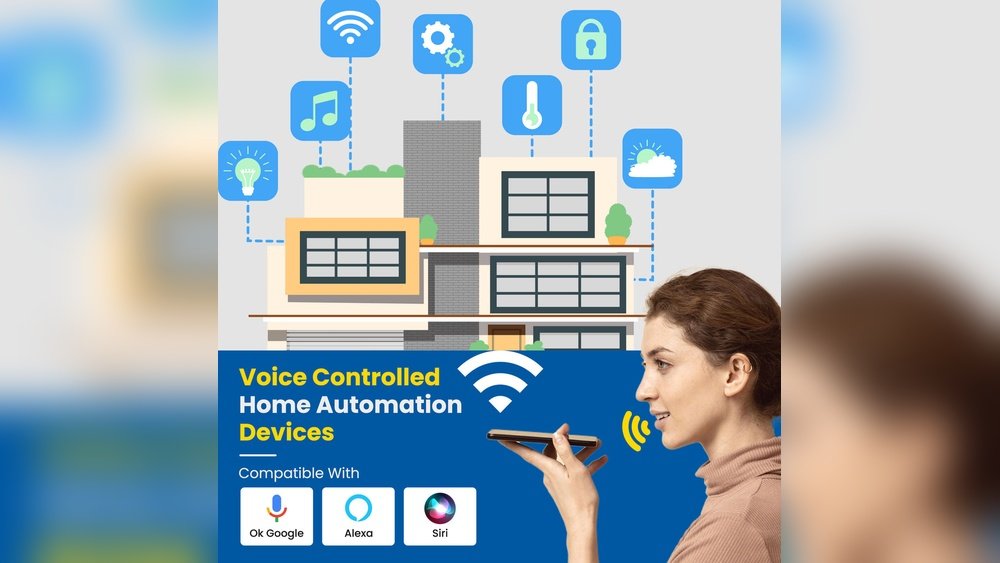
Smart homes are becoming more common. Many people use voice control to operate their devices. But how does voice control work in smart homes? Let’s explore this easy-to-understand guide.
What Is Voice Control?
Voice control means using your voice to control devices. Instead of pressing buttons or using apps, you talk to your smart home. You say commands, and the devices listen and act.
For example, you can say, “Turn on the lights.” The lights will then switch on. This makes life easier and faster.
Basic Parts of Voice Control
Voice control in smart homes has some main parts. These parts work together to make your commands happen.
- Microphone: It listens to your voice.
- Voice Assistant: It understands what you say.
- Smart Devices: These do the tasks you ask for.
- Internet Connection: It helps devices talk to each other.
Microphone
The microphone is in devices like smart speakers or phones. It waits for you to say something. When you speak, the microphone captures your voice.
Voice Assistant
The voice assistant is a program that listens and understands. Examples include Alexa, Google Assistant, and Siri. It changes your words into commands the smart home can understand.
Smart Devices
Smart devices include lights, thermostats, locks, and more. Once the assistant knows your command, it sends instructions to these devices. The devices then do what you asked.
Internet Connection
Most smart home devices need the internet. The internet helps the voice assistant connect to smart devices. It also helps the assistant understand complex commands by using online servers.

Credit: museudelbolet.cat
How Does Voice Control Work Step by Step?
Here is a simple way to understand how voice control works in smart homes:
| Step | Description |
|---|---|
| 1. Wake Word | You say a word like “Hey Siri” or “Alexa.” |
| 2. Voice Capture | The microphone listens and records your command. |
| 3. Voice Processing | The assistant converts sound into text and meaning. |
| 4. Command Analysis | The system figures out what you want to do. |
| 5. Device Control | The smart device receives the command and acts. |
| 6. Feedback | The assistant may reply to confirm or give information. |
What Happens When You Speak?
When you speak, the smart home system does many things quickly. It listens, thinks, and acts all within seconds.
First, the device waits for the wake word. This wake word tells the system you want to talk. It helps save power and stops the device from listening all the time.
After hearing the wake word, the system records your command. It sends this recording to a cloud server. This server is a powerful computer that can understand many languages and commands.
The server uses something called speech recognition. This means it changes your voice into words it can read. Then, it uses natural language processing. This means it tries to understand what your words mean.
Once the server understands your command, it sends instructions back to your smart home devices. The devices then do what you asked, like turning on a light or playing music.
Why Is Internet Important?
The internet is very important in voice control. Most smart home devices need to connect to servers online. These servers help understand your voice better.
Without internet, many voice commands cannot work. Some devices may do simple tasks offline, but most need online help.
Types of Smart Devices Controlled by Voice
Many devices in your home can work with voice control. Here are some common types:
- Lights: Turn on, off, or dim lights.
- Thermostats: Change the temperature.
- Locks: Lock or unlock doors.
- Speakers: Play music or radio.
- TVs: Change channels or volume.
- Appliances: Start coffee makers or ovens.
Benefits of Voice Control in Smart Homes
Voice control has many benefits. It makes your home easier to use. You do not need to find switches or remotes.
- Convenience: Control devices hands-free.
- Accessibility: Helps people with mobility issues.
- Speed: Quick control with just your voice.
- Fun: Makes using technology more enjoyable.
Challenges of Voice Control
Voice control is useful, but it has some challenges. It may not always understand you correctly. Background noise can cause problems. Sometimes, the internet connection might be slow or lost.
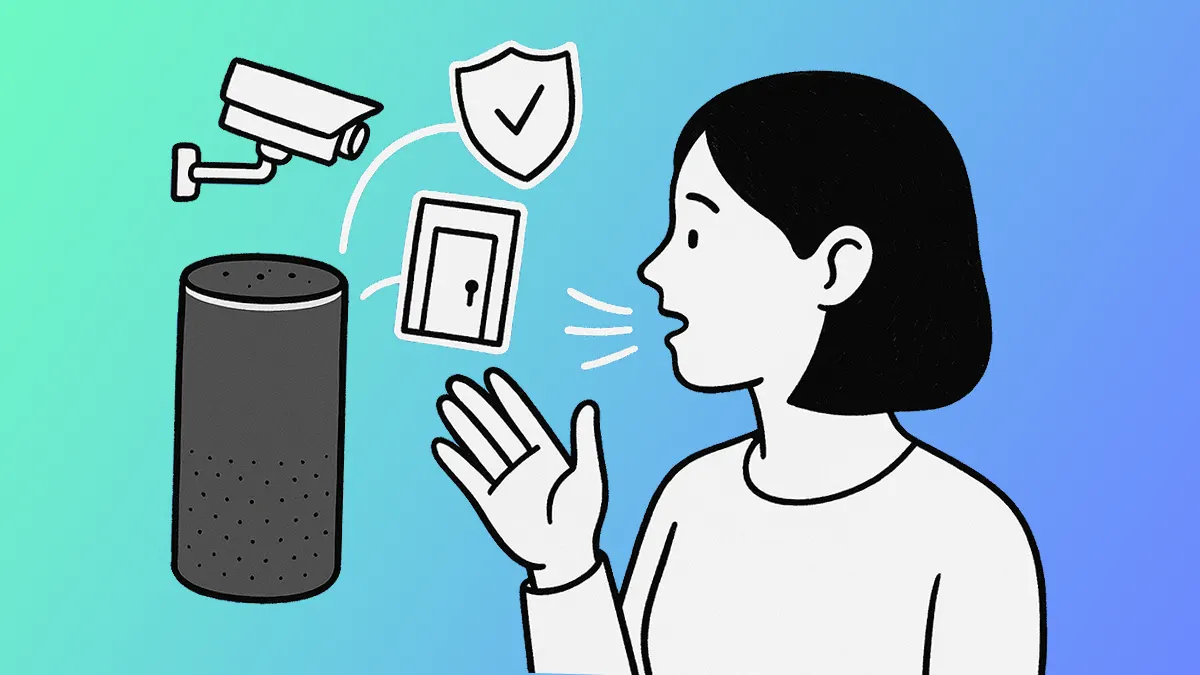
Privacy is also important. Devices listen to your voice, which may worry some people. Many companies work hard to protect your data.
How to Use Voice Control Safely?
Here are some tips to use voice control safely:
- Set strong passwords for your smart devices.
- Keep your devices and apps updated.
- Review privacy settings regularly.
- Use voice control in private areas when possible.
Credit: www.asurion.com
Future of Voice Control in Smart Homes
Voice control is getting better every year. It will understand more languages and accents. It will also work faster and more accurately.
Smart homes will become more connected. Your voice may control even more devices. This will make daily life simpler and more comfortable.
Summary
Voice control lets you talk to your smart home. It uses microphones, assistants, devices, and the internet. When you speak, the system listens, understands, and acts.
This technology makes your home easier to use. It controls lights, thermostats, locks, and more. While it has some challenges, it is very helpful.
With good safety steps, voice control can be safe and fun. The future will bring even more improvements.
Frequently Asked Questions
How Does Voice Control Understand My Commands?
Voice control uses microphones to capture your voice and software to turn speech into text. It then matches your words to actions in the smart home system.
Can Voice Control Work Without Internet?
Some voice controls work offline for basic commands, but most need the internet to process speech. Internet helps connect to cloud services for better understanding.
What Devices Support Voice Control In Smart Homes?
Smart speakers, smart TVs, thermostats, lights, and security cameras usually support voice commands. These devices connect through a central hub or Wi-Fi.
Is Voice Control Secure For Smart Homes?
Voice control uses encryption and user recognition to keep commands safe. Still, it’s important to set strong passwords and update device software regularly.