
Smart home devices are everywhere. They make our homes more comfortable and easier to control. But do you know how these devices talk to each other? They use network ports to send and receive information. In this article, we will explain common network ports used by smart home devices. We will keep it simple and clear for everyone to understand.
What Are Network Ports?
Think of network ports as doors or channels on your computer or device. Each door has a number. Devices use these doors to send or get data. Different services use different door numbers. This way, devices know where to send the right information.
For example, when you open a web page, your device uses port 80 or 443. When a smart light talks to your phone, it uses other ports. Knowing these ports helps you understand how your smart home works.
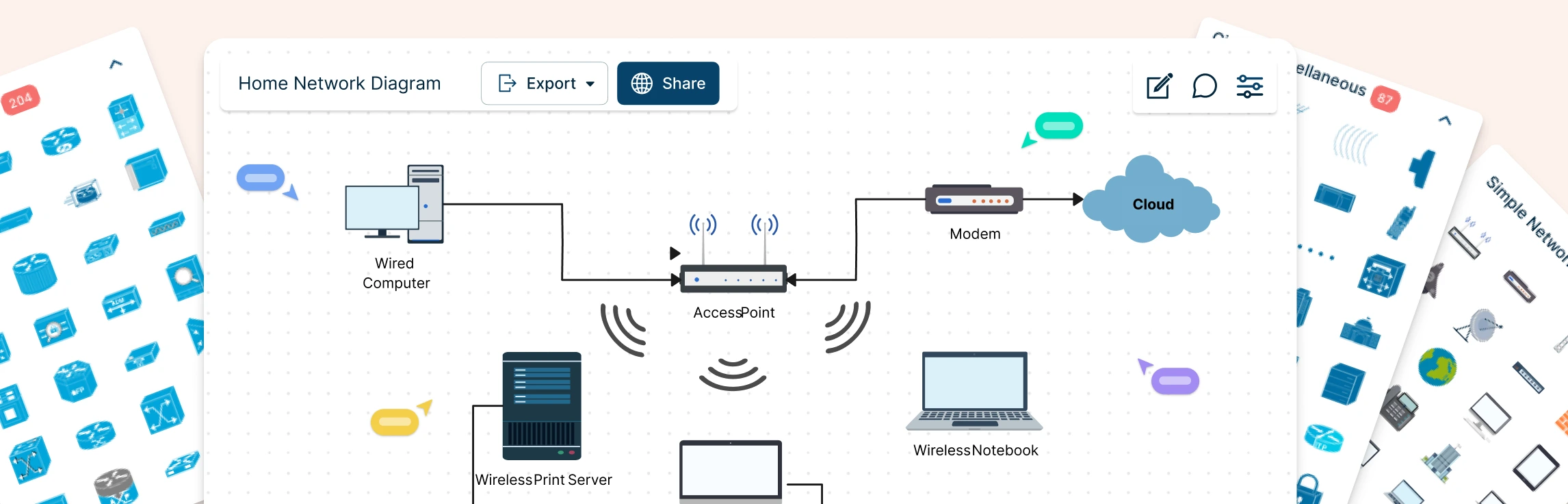
Credit: creately.com
Why Do Smart Home Devices Use Network Ports?
Smart home devices need to connect to your Wi-Fi or internet to work. They send commands and get updates. For this, they use specific network ports. These ports help devices communicate safely and quickly.
Each device type may use different ports. Some ports are common for many devices. Others are special for certain brands or functions.
Common Network Ports for Smart Home Devices
Here are some of the most common network ports used by smart home devices. We will explain each port and what it is for.
| Port Number | Protocol | Purpose | Typical Devices Using It |
|---|---|---|---|
| 80 | TCP | HTTP – Web traffic | Smart hubs, cameras, smart TVs |
| 443 | TCP | HTTPS – Secure web traffic | All smart devices needing secure data |
| 554 | TCP/UDP | RTSP – Real-time streaming protocol | Security cameras, video doorbells |
| 1883 | TCP | MQTT – Message Queuing Telemetry Transport | IoT sensors, smart plugs, smart bulbs |
| 8883 | TCP | MQTT over SSL – Secure MQTT | Security devices, smart home automation |
| 5353 | UDP | mDNS – Multicast DNS for device discovery | Smart speakers, smart lights, hubs |
| 1900 | UDP | SSDP – Simple Service Discovery Protocol | Smart TVs, smart hubs, streaming devices |
| 5678 | TCP | Custom or vendor-specific services | Various smart home brands |
Port 80 and 443: The Basics
Port 80 is the main port for HTTP traffic. It is used when a device talks to a server without encryption. Many smart home hubs use this port to connect to the internet.
Port 443 is for HTTPS traffic. It is like port 80 but with encryption. This means data sent is safer. Most smart devices use port 443 to protect your information.
Port 554: For Streaming Video
Many security cameras and video doorbells use port 554. This port works with the Real-Time Streaming Protocol (RTSP). It lets you watch live video from your cameras on your phone or computer.
This port can use both TCP and UDP. It helps send video quickly and smoothly.
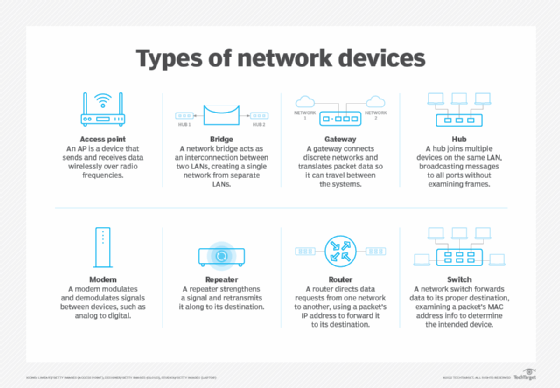
Credit: www.techtarget.com
Ports 1883 and 8883: For IoT Messaging
MQTT is a popular messaging protocol for smart home devices. It helps devices send small messages fast. Port 1883 is the standard port for MQTT. It is used by many sensors and smart plugs.
Port 8883 is the secure version of MQTT. It uses SSL or TLS encryption to keep messages private. Devices like security systems and automation controllers use this port.
Port 5353: Finding Devices on Your Network
Port 5353 is used by mDNS, which stands for multicast DNS. This helps devices find each other on your home network. For example, smart speakers and smart lights use this port to connect without needing manual setup.
Port 1900: Discovering Services
Port 1900 uses the SSDP protocol. It helps devices announce their presence and find other devices. Smart TVs and streaming devices often use this port to find media servers.
Port 5678 and Others: Vendor Specific
Some smart home brands use custom ports. Port 5678 is one example. It may be used for special communication or control features. These ports depend on the device maker and may change.
How to Use This Information
Knowing these ports helps you in many ways:
- Improve Security: You can block unused ports on your router.
- Troubleshoot Problems: If a device won’t connect, checking ports helps.
- Setup Network: Some devices need port forwarding to work outside your home.
How to Check Ports on Your Network
You can use some tools to see open ports on your devices:
- Router Settings: Login to your router to see connected devices and their ports.
- Network Scanner Apps: Apps like Fing can scan your home network.
- Command Prompt: Use commands like
netstaton your computer.
Keep Your Smart Home Safe
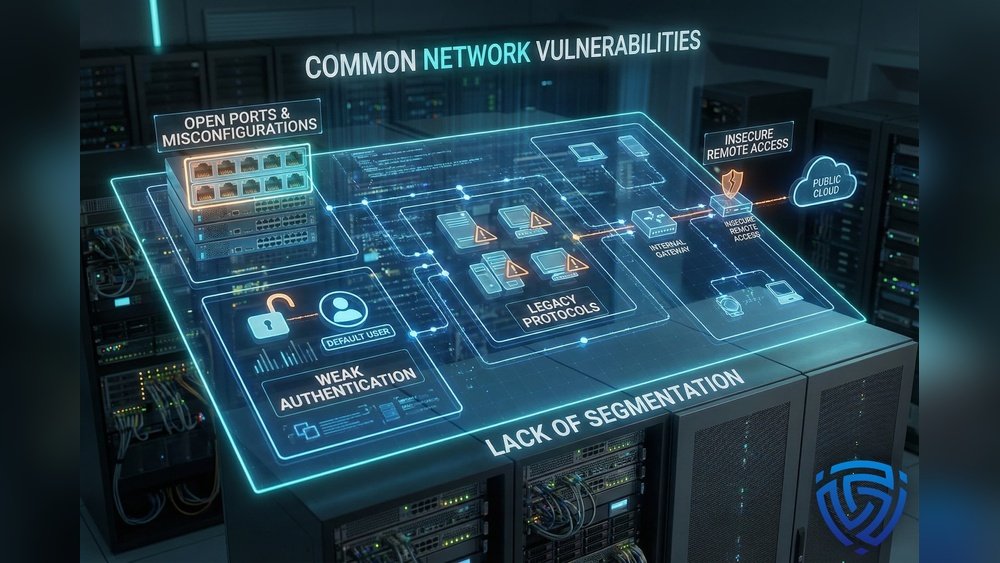
Smart devices can be targets for hackers. Open ports can be weak spots. So, it is important to:
- Change default passwords on your devices.
- Keep your devices updated with the latest software.
- Close ports you don’t need in your router settings.
- Use strong Wi-Fi passwords and encryption.
Summary
Smart home devices use many network ports to work properly. Ports like 80, 443, 554, 1883, and 5353 are common. Each port has a special job, like sending video or messages.
Understanding these ports can help you manage your smart home better. It also helps keep your network safe. Always check your devices and network settings regularly.
Smart homes are becoming more popular. Knowing how devices communicate is useful. It makes your home smarter and safer.
Frequently Asked Questions
What Are The Most Common Ports Used By Smart Home Devices?
Smart home devices often use ports like 80, 443, 554, and 8883. These help devices communicate securely and efficiently. Knowing these ports helps in managing your network better.
Why Do Smart Home Devices Need Specific Network Ports?
Ports allow devices to send and receive data clearly. Each port is like a door for different types of information. This helps smart devices work without mixing up data.
How Can I Find Open Ports On My Smart Home Network?
Use network scanning tools like Nmap or Fing to see open ports. These tools show which ports your devices use. This helps in spotting security risks.
Which Port Is Used For Smart Home Device Firmware Updates?
Port 443, which uses HTTPS, is commonly used for firmware updates. It keeps the update process secure and private. This is vital for device safety.