
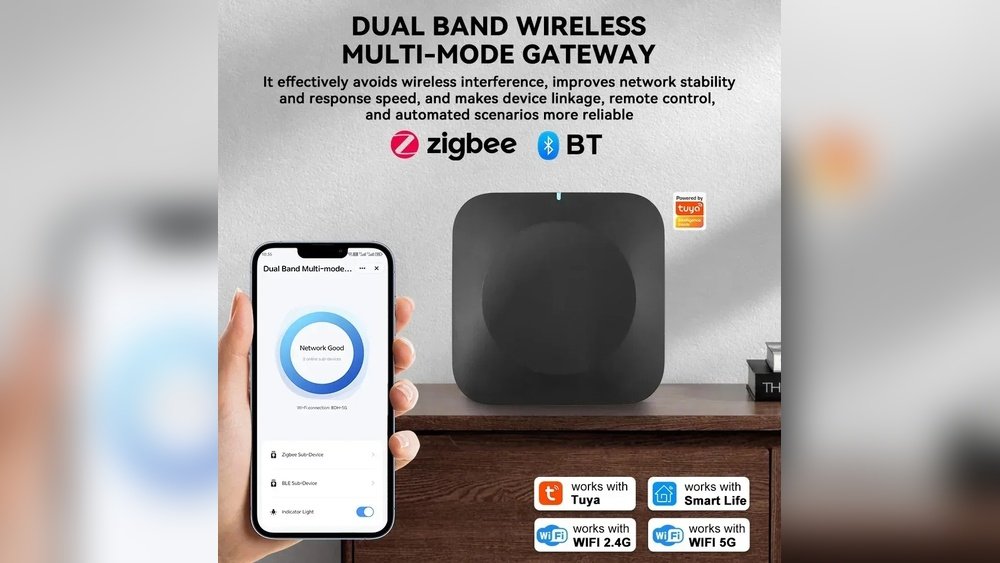
Wireless technology makes smart homes easy and fun to use. But sometimes, your devices may not work well. This is often because of wireless interference. If you do not know what causes it, fixing the problem is hard. This article will explain the main causes of wireless interference in smart homes. It will help you understand why your devices might have trouble connecting.

Credit: www.honeywellhome.com
What Is Wireless Interference?
Wireless interference happens when signals from different devices clash. This causes your smart home gadgets to slow down or stop working. Imagine two people talking at the same time in a small room. It is hard to hear one person clearly. Wireless interference works the same way. Signals mix up, and devices find it hard to communicate.
Interference can affect Wi-Fi, Bluetooth, Zigbee, and other wireless systems. It is common in homes because many devices use similar signals. Knowing the causes will help you avoid or reduce interference.
Common Causes of Wireless Interference in Smart Homes
Here are the main reasons why wireless interference happens:
1. Other Wireless Devices
Many wireless devices use the same frequency bands. The 2.4 GHz band is very popular. Devices like Wi-Fi routers, Bluetooth speakers, baby monitors, and microwave ovens use it. When many devices operate on this band, signals overlap. This causes interference and slows down your smart home devices.
The 5 GHz band is less crowded but has a shorter range. If your devices switch between 2.4 GHz and 5 GHz, interference can still happen. It depends on how many devices are active.
2. Physical Obstacles
Walls, floors, and furniture block wireless signals. Thick walls made of concrete or brick are the worst. Metal objects, like refrigerators or filing cabinets, also reflect signals. This makes the wireless signal weaker or changes its path. Your smart devices may lose connection or work slowly.
Even glass windows and mirrors can cause problems. They reflect or absorb signals. This is why placing a router near a window may reduce signal strength inside.
3. Electronic Appliances
Some home appliances create electromagnetic noise. This noise interferes with wireless signals. Common culprits include:
- Microwave ovens
- Cordless phones
- Baby monitors
- Bluetooth devices
- Wireless cameras
For example, microwave ovens leak energy around 2.4 GHz when operating. This can disrupt Wi-Fi and Bluetooth signals nearby.
4. Neighboring Wi-fi Networks
If you live in an apartment or close to other homes, many Wi-Fi networks overlap. Each network uses a channel in the 2.4 GHz or 5 GHz bands. When many networks use the same channel, interference happens. This makes your smart devices slower and less reliable.
5. Poor Router Placement
Where you put your router matters. If it is in a corner or behind furniture, signals can be weak. It causes devices to lose connection or have low speed. Placing the router in an open, central spot helps reduce interference.
6. Outdated Or Low-quality Equipment
Older routers and smart devices may not handle interference well. They might use older wireless standards. Newer devices often have better technology to avoid interference. Using outdated equipment can cause more problems.
Credit: us.ktcplay.com
How Wireless Interference Affects Smart Homes
Interference can cause many problems in your smart home. Devices may:
- Disconnect from the network
- Respond slowly to commands
- Fail to update software
- Drop video or audio quality
- Have reduced range
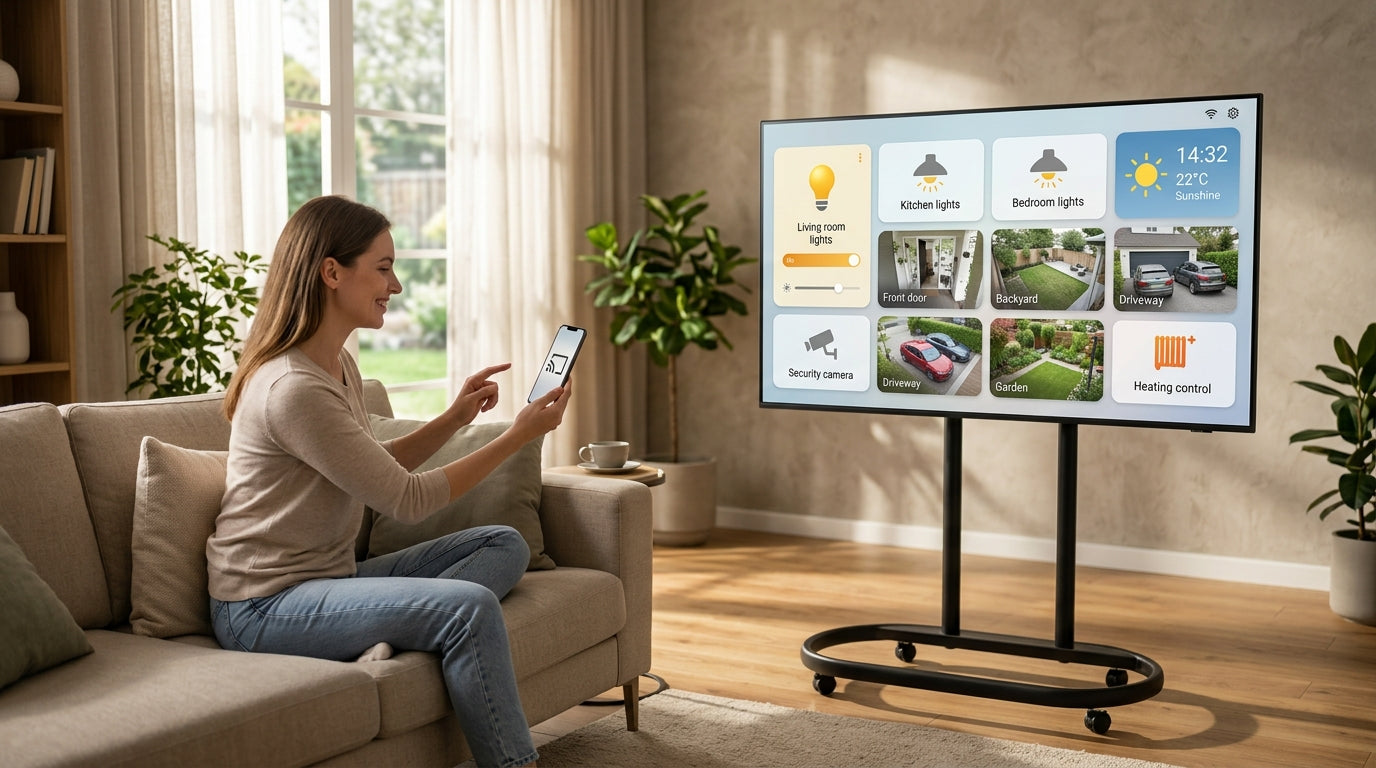
This affects your comfort and security. For example, security cameras may stop working during interference. Smart lights may not turn on or off as expected.
Tips to Reduce Wireless Interference in Smart Homes
Here are some simple ways to reduce interference:
1. Use 5 Ghz Wi-fi When Possible
The 5 GHz band is less crowded than 2.4 GHz. It has more channels and less interference. Use a router that supports dual-band Wi-Fi. Connect smart devices to 5 GHz if possible.
2. Change Wi-fi Channels
If many networks use the same channel, change yours. Most routers let you pick the channel manually. Choose a channel with less traffic for better speed.
3. Place Your Router Smartly
Put your router in the center of your home. Keep it away from thick walls and metal objects. Raise it off the floor. Avoid placing it near microwaves or cordless phones.
4. Limit Use Of Interfering Devices
Try not to use microwave ovens or cordless phones near smart devices. Turn off devices that you do not need. This reduces background noise.
5. Upgrade Your Equipment
Use modern routers and smart devices. Look for those that support Wi-Fi 5 or Wi-Fi 6. These standards handle interference better.
6. Use Wired Connections When Possible
For devices that need strong connection, use Ethernet cables. Wired connections do not have wireless interference. This is good for smart TVs or desktop computers.
7. Use Mesh Wi-fi Systems
Mesh systems use several nodes to cover your home with Wi-Fi. This reduces dead zones and interference. It helps devices stay connected everywhere.
Summary Table: Causes and Solutions
| Cause of Interference | How to Fix or Reduce |
|---|---|
| Other wireless devices on 2.4 GHz | Use 5 GHz Wi-Fi or change channels |
| Physical obstacles (walls, metal) | Place router in open, central location |
| Electronic appliances | Avoid using near smart devices |
| Neighboring Wi-Fi networks | Change Wi-Fi channel, use 5 GHz |
| Poor router placement | Move router to better location |
| Old or low-quality equipment | Upgrade to newer devices and routers |
Final Thoughts
Wireless interference is a common problem in smart homes. It happens because many devices share the same signals. Physical objects and electronics also cause problems. But you can fix most issues by changing settings and placement. Using newer equipment helps too. Understanding interference will make your smart home work better. You will enjoy all your devices without frustration.
Frequently Asked Questions
What Devices Cause Wireless Interference In Smart Homes?
Common devices like microwaves, cordless phones, and baby monitors cause interference. These devices use similar frequencies as smart home gadgets, leading to signal overlap.
How Do Walls Affect Wireless Signals At Home?
Thick walls, especially those made of concrete or brick, block wireless signals. This weakens the connection between smart devices and routers.
Can Other Wi-fi Networks Interfere With Mine?
Yes, nearby Wi-Fi networks can overlap and cause interference. This is common in apartment buildings or crowded neighborhoods.
Does Bluetooth Affect Smart Home Wireless Signals?
Bluetooth uses similar frequencies as Wi-Fi, which can cause minor interference. It is usually short-range and less disruptive.